
Ubisoft/ REGION FREE
Assassin's Creed 2 PC Ubisoft Connect CD Key
€3.67
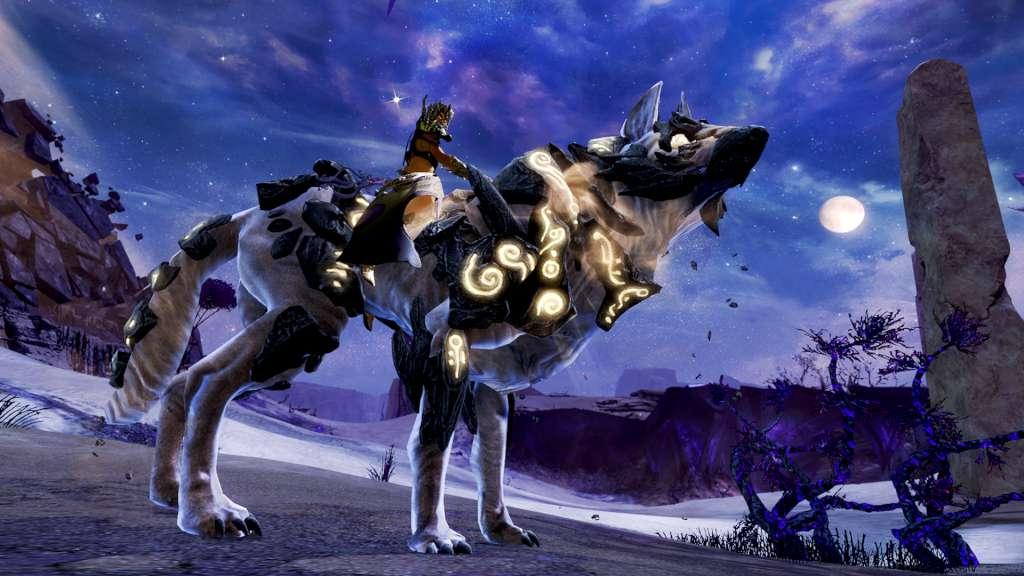
The Code adds 2000 Guild Wars 2 In-game Gems. Add the Gems using the Black Lion Trading Company in the Gem shop from within the game. Gems are the in-game currency required to purchase things from the Gem Store. Gems may be bought with real-world money and spent to get convenience items, account services, or decorative items. Like in-game items, they can be traded to other players for coin at the Trading Post. The Gem Store allows players to purchase various items using gems as currency. It is accessed through the Black Lion Trading Company. Most items purchased are immediately delivered through the Mail. With Gems you can buy Styles, Consumables, Services, Accounts, Boosts, Minis or/and Updates.
In order to activate the code please follow the instructions below: Log in to Guild Wars 2 Open the Black Lion Trading Company panel. (The default hotkey is “O, ” or you may select the lion icon in the upper left of the game screen.) Select the “Redeem Code” button at the upper left of the Gem Store panel Follow the on-screen instructions to redeem your serial code for gems. Make sure to enter the code manually!
After payment, reveal the key in Orders & keys and redeem it on the platform shown above. Check the region before you buy. Activation help in the FAQ
Official keys
Every key comes from a licensed distributor, never from a grey reseller.
Delivered to your account
Pay and the key appears in Orders & keys, usually within minutes.
Secure checkout
Card payments run on the payment provider's protected page.
Changed your mind?
Unrevealed keys can be returned within 24 hours of delivery.
Ubisoft/ REGION FREE

EA App/ REGION FREE

EA App/ REGION FREE

EA App/ REGION FREE
EA App/ REGION FREE